
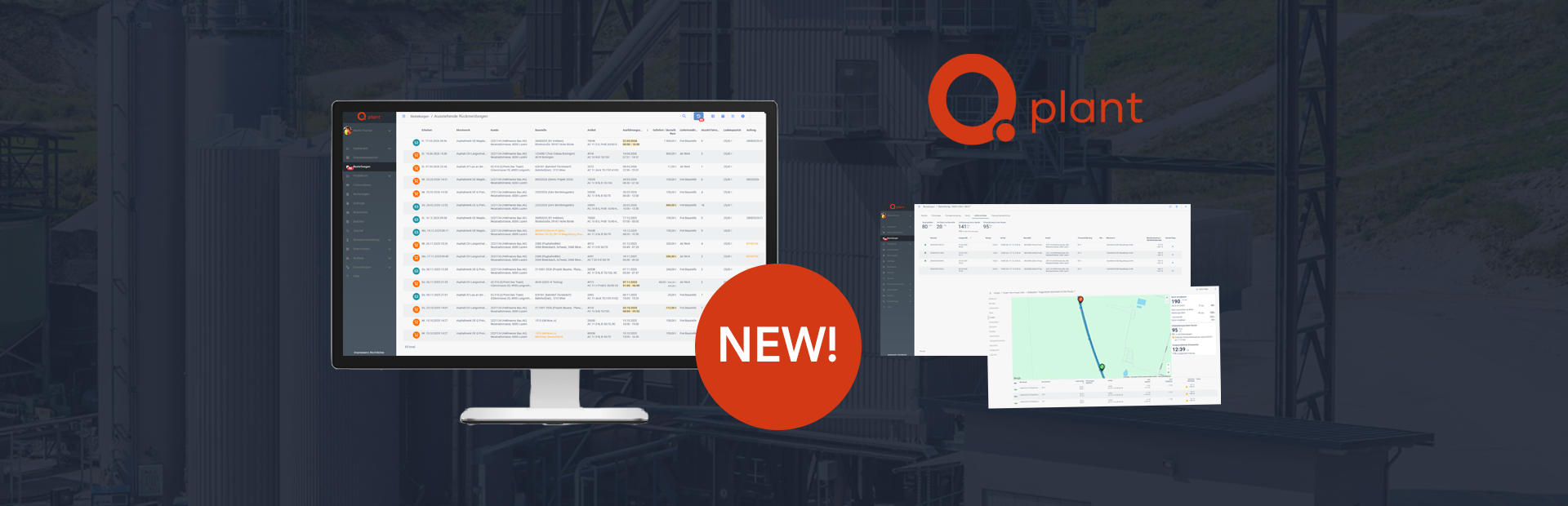
With the latest release, collaboration between the mixing plant and the construction site becomes significantly more transparent, efficient, and straightforward. Here is an overview of the most important highlights.
EPD Data Available Directly in the System
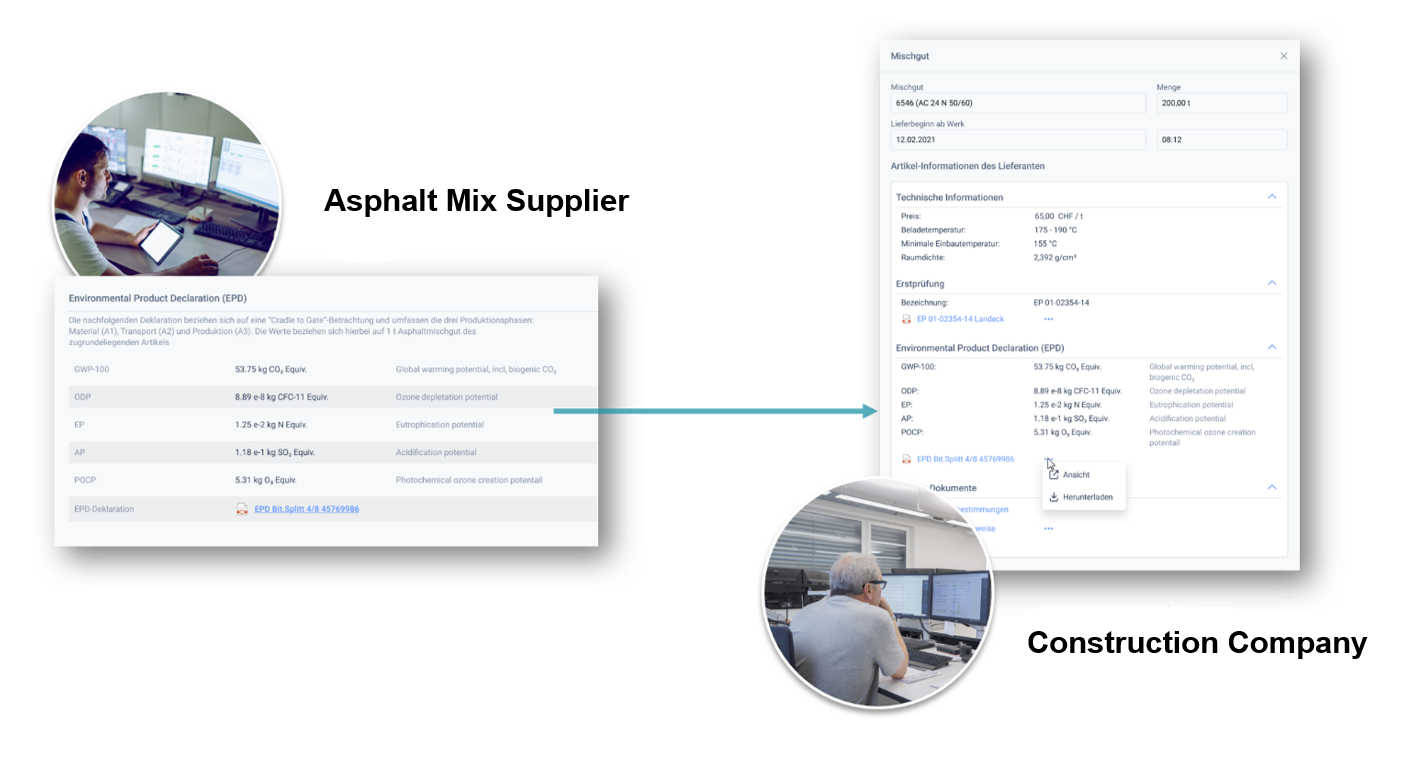
Material suppliers can now publish Environmental Product Declarations (EPDs) for their asphalt mixes directly within the system and provide them digitally. Construction companies receive this information as an integral part of item data.
In addition to full EPD documents, emission values are displayed in a structured format. This ensures that all relevant environmental information remains current, complete, and immediately usable without additional effort.
Within Q Site, EPD data is accessible during item selection. This simplifies documentation, increases transparency for clients, and supports well informed evaluation of environmental impact in construction projects.
Central Management of Order Attachments
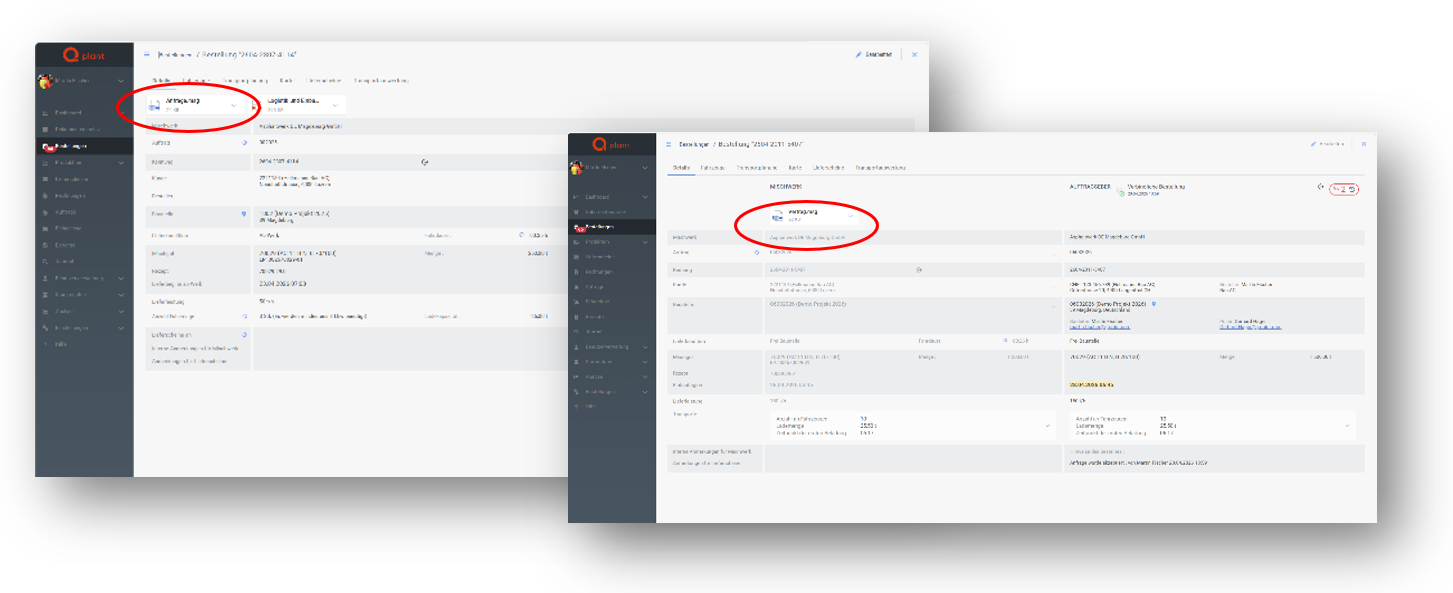
At the plant, all information related to an order can now be centrally documented by storing relevant content directly as attachments within the order.
For internal orders, this may include emails from the requester, while external orders can contain contracts or project related documentation. This ensures that all information remains complete and accessible within the context of the order at any time.
Attachments are visible directly within the order dialog, reducing search effort and simplifying daily operations.
Attachments for Incoming Orders
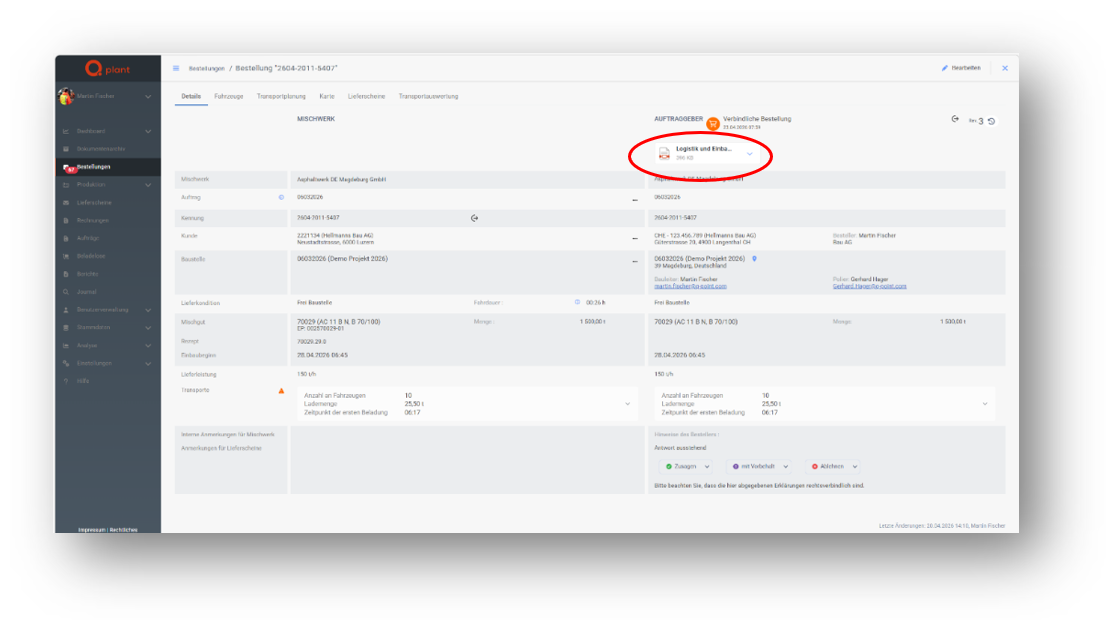
Suppliers now automatically receive all related attachments such as documents or images together with incoming orders directly in the system.
These are transmitted alongside the order and clearly displayed within the order dialog. Users can view, download, or share the content internally.
As attachments are part of the historical version, it remains fully traceable which information was shared at any given time. This increases transparency and supports secure order processing.
Accurate Allocation of Delivery Quantities
Orders can now include multiple line items with the same asphalt mix, enabling realistic representation of complex ordering scenarios.
Delivery quantities are automatically assigned to the correct positions. Users retain full visibility of ordered and delivered quantities per line item, reducing allocation and reporting errors.
Enhanced Information Exchange Between Plant and Site
The exchange of information between asphalt plant and construction site has been expanded to ensure continuous transparency during paving operations.
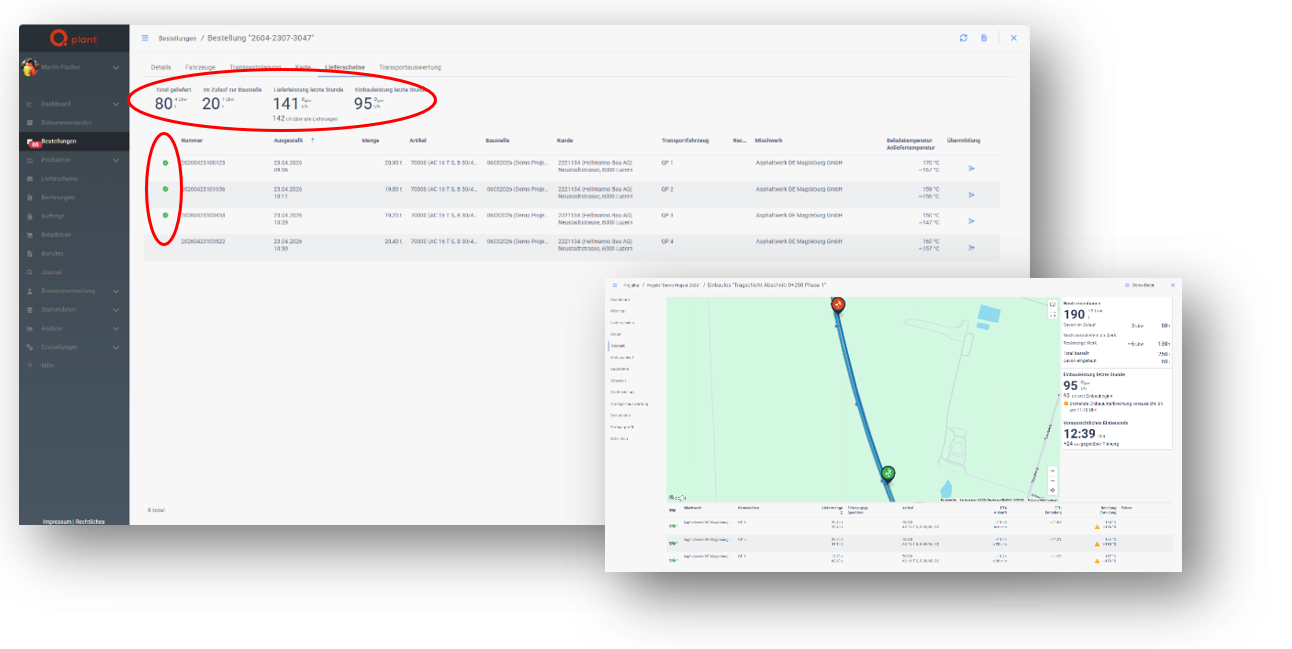
Delivery note status changes such as acceptance or rejection are automatically reported back from the site and displayed at the plant, including images and comments as proof of delivery. This provides immediate and traceable insight into delivery status and quality.
Truck unloading events are transmitted in real time. Combined with the display of current material inflow, paving performance can be continuously assessed. This enables proactive dispatching, reduces uncertainty, and supports more efficient production control.
Efficient Handling of Order Changes
Changes made by the construction company are now clearly highlighted at the plant and displayed directly within the order.
Differences are clearly marked and can be selectively applied with a single action. This eliminates the need for manual updates of individual fields, reduces effort, and accelerates processing.
At the same time, it ensures that all changes are correctly reflected in the internal representation of the order.
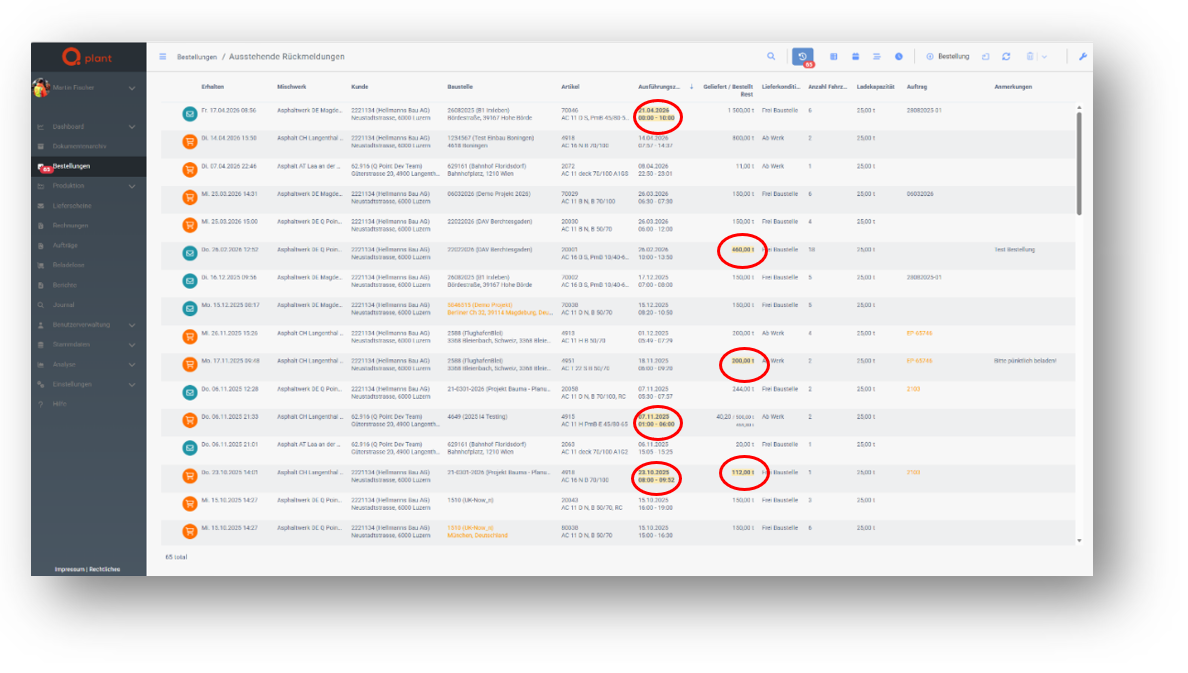
Improved List Visibility
Several enhancements improve clarity across Q Plant:
After confirmation, highlights are automatically removed, ensuring that lists remain up to date and easy to always review.
Direct Cancellation of Delivery Notes
Delivery notes can now be canceled directly within Q Plant. This is particularly useful when the connected weighing system does not provide its own cancellation functionality.
Users remain fully operational in such scenarios and can reliably correct erroneous delivery notes.
Temperature Recording at the Plant
The loading temperature of asphalt mix can now be recorded directly at the plant when creating delivery notes in Q Plant. The temperature is automatically transmitted to the construction site and is immediately available there.
This enables temperature monitoring even in scenarios where the connected weighing system does not support this function. All required temperature data can be fully captured and documented.
Based on the recorded loading temperature, Q Site calculates the expected unloading temperature and presents it clearly. This allows early assessment of temperature development during transport, supporting targeted quality assurance and improving process transparency.
New Filtering and Forwarding Functions
Working with delivery notes has been further enhanced:
These improvements reduce manual effort, increase reliability, and ensure that all stakeholders are informed promptly.
Greater Flexibility in Order Capture
Orders can now be saved or recorded retrospectively even if the execution date lies in the past.
A notification is displayed during saving, allowing users to consciously confirm the action. This increases transparency and prevents unintended changes.
This feature provides greater flexibility, especially for retrospective documentation and corrections, and supports full traceability.
Optimized Display of the Vehicle List
The vehicle list within the order dialog has been redesigned to remain clear even for large numbers of transports.
Extensive lists are summarized compactly, showing key information such as the number of vehicles and the earliest deployment time immediately. The full list can be expanded if required.
This reduces scrolling effort and simplifies handling complex orders.
Points of Interest Available to Drivers
Selected points of interest for construction sites are automatically transmitted to drivers and displayed in the TruckBuddy app.
The information is provided together with the delivery note and helps drivers navigate on site more efficiently and execute operations effectively.
This improves information availability on site and contributes to smoother transport processes.